
Overview
Rows is an AI-powered data platform. It enables users to extract, transform, and analyze data from diverse sources like PDFs, APIs, and databases. The platform is designed for use without requiring knowledge of code, SQL, or complex formulas. Users build projects starting from templates or a blank sheet to create dashboards, reports, and calculators.
Application scenarios
Marketing Dashboard Creation
Build dashboards to track metrics from platforms like YouTube and Google Search Console.
Financial Reporting
Analyze bank transactions, stock prices, and monthly expenses.
Website Traffic Analysis
Monitor and report on traffic acquisition and user engagement.
Business Modeling
Create calculators for mortgage payments, compound interest, and investment strategies.
Data Integration
Pull and combine data from custom APIs, CSV files, and PDFs.
Core features
AI-Powered Data Extraction
Import and structure data directly from PDFs and images.
Pre-built Integrations
Connect to data sources like YouTube, Google Search Console, and financial APIs (e.g., Alpha Vantage) with one click.
Template Library
Start projects quickly using pre-configured templates for marketing, finance, and modeling.
Code-Free Analysis
Transform and analyze datasets without writing SQL or formulas.
Custom API Connector
Import data from any custom API endpoint directly into a spreadsheet.
Interactive Models
Build and use dynamic calculators for business metrics like CAC payback or investment strategy.
AI-Powered Data Extraction Import and structure data directly from PDFs and imag
AI-Powered Data Extraction Import and structure data directly from PDFs and images.
Pre-built Integrations Connect to data sources like YouTube, Google Search Conso
Pre-built Integrations Connect to data sources like YouTube, Google Search Console, and financial APIs (e.g., Alpha Vantage) with one click.
Target users
Rows serves business professionals and teams who need to work with data but lack technical coding expertise. It is particularly useful for marketers analyzing campaign performance, finance professionals managing reports, and business analysts creating operational models. The template-driven approach also benefits entrepreneurs and small business owners building custom calculators and dashboards.
How to use
Visit the official website and sign up for a free account. Upon logging in, the platform asks, "Hi, what do you want to build?" You can then choose to import data from a PDF, CSV, XLSX, or an API integration. Alternatively, select a pre-built template like a "Marketing Dashboard" or "Financial Reporting" model to start immediately. You can also begin with a blank spreadsheet. The interface is a familiar spreadsheet layout where you can manipulate data and build your analysis.
Effect review
Rows positions itself as a practical solution for democratizing data analysis. By removing the technical barriers of code and SQL, it empowers a broader range of professionals to perform sophisticated data work. The focus on one-click integrations for common services and ready-made templates significantly shortens the time from question to insight. For teams needing to consolidate data from scattered sources into clear reports and live dashboards, the platform offers a streamlined, focused workflow. Its effectiveness hinges on its ability to turn unstructured documents and API data into a structured, analyzable format within a familiar spreadsheet environment.
Frequently asked questions
What is Rows?
Rows is an AI-powered data platform that enables users to extract, transform, and analyze data from various sources like PDFs, APIs, and databases without requiring coding, SQL, or formulas.
What data sources does Rows support?
Rows supports data extraction from PDFs, APIs, databases, and other common sources, allowing seamless integration and analysis without technical expertise.
Do I need coding skills to use Rows?
No, Rows is designed for users without coding, SQL, or formula knowledge, using AI to simplify data tasks through an intuitive interface.
How does Rows handle data transformation?
Rows uses AI to automate data transformation processes, such as cleaning, formatting, and merging data, making it accessible for non-technical users.
Can Rows analyze data from PDFs?
Yes, Rows can extract and analyze data from PDFs, converting unstructured information into usable formats for further processing.
Is Rows suitable for business users?
Yes, Rows is ideal for business users, analysts, and teams needing to work with data efficiently without relying on technical resources or complex tools.
Launch URL
https://rows.com/Tags
Featured recommendations

Quadratic
alternativeQuadratic by Quadratic HQ is an AI-powered spreadsheet that connects to your data, turning questions into fast, explainable, and shareable insights.

hiData
alternativehiData by hiData is an AI workspace that integrates data, spreadsheets, documents, databases, and presentations into a single flow to transform scattered work into analysis and share-ready deliverable

Formulabot
alternativeFormulabot is an AI-powered data analyst that helps users generate formulas, analyze spreadsheets, and create charts for instant insights without any coding required.

Datarails
alternativeDatarails is an FP&A platform that empowers finance teams to streamline budgeting, forecasting, and financial planning and analysis within a familiar spreadsheet environment.

Arithlab AI
alternativeArithlab AI by Arithlab lets you analyze spreadsheets, clean data, and get instant AI insights. Upload CSV or Excel files and chat with your data in plain English.

Thebricks
alternativeThebricks is a platform for building and managing digital products, offering modular components to streamline development workflows and enhance collaboration across teams.

Shareables
alternativeShareables by Shareables.ai lets you plug Google Sheets or Airtable data into customizable website templates without coding, enabling quick creation of engaging pages to drive sales and more.

Glide
alternativeGlide by Glide Apps enables no-code creation and deployment of custom AI-powered applications, allowing users to build functional apps quickly and easily.
Related Toolkits
 Office / Data analysis
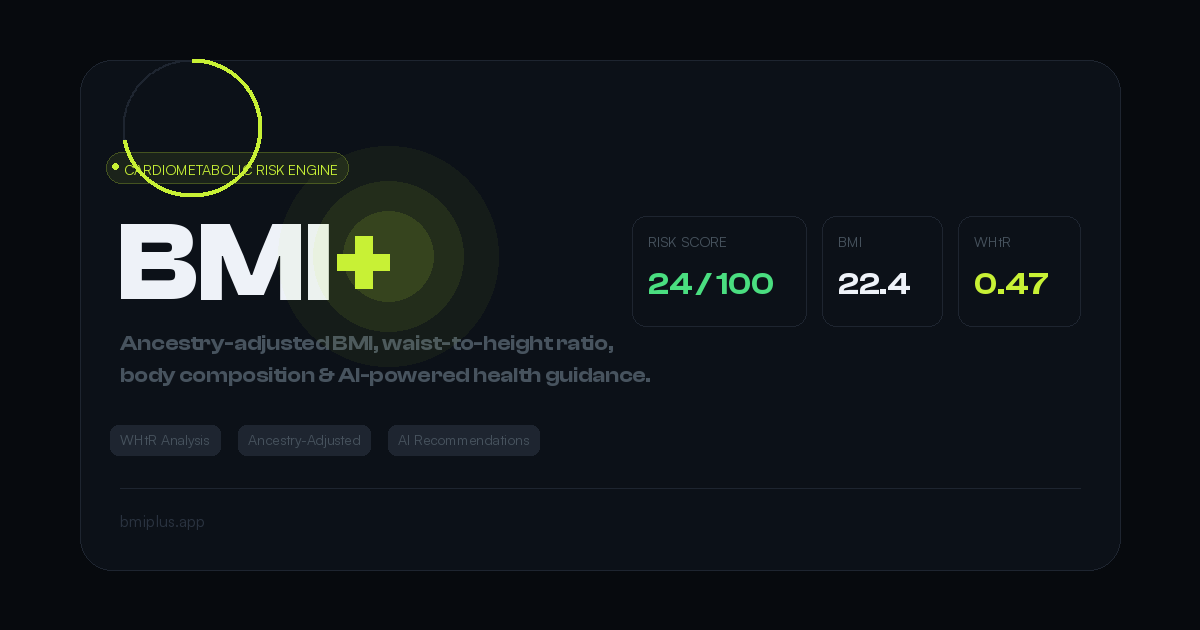
BMI+
BMI+ by Mahembega is a free cardiometabolic risk engine offering ancestry-adjusted thresholds, waist-to-height ratio analysis, body fat estimation, and AI health recommendations beyond standard BMI.
View Details Office / Data analysis
DataPallas
DataPallas is a modern BI and integrated data platform by DataPallas, offering AI-driven data exploration, dashboards, and pixel-perfect report generation, replacing tools like Looker, Tableau, and Cr
View Details Office / Data analysis
Spenno
Spenno is a privacy-first expense tracker by an independent developer that uses AI to scan receipts and extract every line item. It tracks bills, income, taxes, and spending in one app, with a free ti
View Details