
Overview
Arithlab AI is an AI-powered data analyst that combines spreadsheet cleaning, visualization, and AI insights into a single platform. You upload Excel, CSV, JSON files, or connect a database or API, and the tool automatically cleans the data, generates charts, and surfaces plain-English insights. It eliminates the need to juggle separate tools like Excel for cleaning, Tableau for charts, and ChatGPT for answers. The entire workflow—from raw file to finished report—happens in one place without switching applications.
Application scenarios
Data cleaning
Automatically fix missing values, duplicate rows, broken date formats, merged cells, and outliers in under 60 seconds.
Chart creation
Generate interactive, zoomable, export-ready charts (bar, line, scatter, heatmap) with automatic chart-type suggestions.
AI insight discovery
Scan data for patterns, anomalies, and trends you didn't ask for, presented as plain-English summaries.
Natural language querying
Ask questions in plain English (e.g., "show me which region had the highest return rate last quarter") and get a chart back in seconds—no SQL or pivot tables required.
Report export
Export full analysis as a PDF report or PowerPoint deck, selecting which charts, insights, and raw tables to include, with your logo and brand.
Core features
Automated data cleaning
Catches and fixes missing values, duplicate rows, broken date formats, merged cells, and outliers automatically in under 60 seconds.
Multi-format file support
Drop in Excel, CSV, JSON files, or connect directly to a database or API without formatting or templates.
Interactive charting
Pick from bar, line, scatter, or heatmap charts—all interactive, zoomable, and export-ready. The tool suggests the best chart type based on your data.
AI-driven insight scanning
Automatically scans cleaned data for patterns, anomalies, and trends, surfacing them as plain-English summaries alongside every chart.
Natural language querying
Type questions in plain English and receive chart answers instantly, no technical skills required.
One-click report export
Export your full analysis as a PDF report or PowerPoint deck, choosing exactly which charts, insights, and raw tables to include.
Brand customization
Add your logo and brand to exported reports.
Automated data cleaning Catches and fixes missing values, duplicate rows, broken
Automated data cleaning Catches and fixes missing values, duplicate rows, broken date formats, merged cells, and outliers automatically in under 60 seconds.
Target users
Arithlab AI is built for professionals who work with data but aren't data engineers. The tool explicitly targets business analysts, data analysts, data scientists, researchers, students, marketing, sales, startup founders, product management, finance, healthcare, life sciences, investment, consulting, e-commerce, logistics, real estate, software & IT services, and SaaS teams. It's also designed for solo consultants and operations teams.
How to use
Sign up: Join the waitlist on the official website (https://www.arithlab.ai/). Upload or connect data: Drop an Excel, CSV, or JSON file, or connect a database or API directly. Let the tool clean: Arithlab AI automatically detects and fixes data issues like missing values, duplicates, and broken formats. Ask questions or generate charts: Type a plain-English question to get a chart, or pick a chart type manually. Export results: Export your analysis as a PDF report or PowerPoint deck with your branding.
Effect review
Arithlab AI delivers on its promise of a unified data workflow by eliminating the friction of moving data between cleaning, visualization, and insight tools. The automated cleaning feature—fixing common issues in under 60 seconds—directly addresses a major time drain for non-technical users. The natural language querying and automatic chart suggestions lower the barrier to extracting insights, making it practical for roles like marketing, sales, and operations that lack dedicated data engineering support. While the tool is still in waitlist phase and lacks public user reviews or quality benchmarks, its feature set suggests a strong fit for teams that need fast, self-service analytics without technical overhead.
Frequently asked questions
What file formats does Arithlab AI support?
Arithlab AI supports CSV and Excel files for uploading and analyzing spreadsheets.
Can I clean data using Arithlab AI?
Yes, Arithlab AI allows you to clean data, such as removing duplicates or fixing errors, through natural language commands.
How do I interact with my data in Arithlab AI?
You can chat with your data in plain English, asking questions or requesting insights without needing to write code.
Is Arithlab AI suitable for non-technical users?
Yes, Arithlab AI is designed for users of all skill levels, enabling anyone to analyze data using simple English queries.
Launch URL
https://www.arithlab.ai/Tags
Featured recommendations

Abacus.AI
alternativeAbacus.AI is an AI platform that builds custom applied AI systems for enterprises, automating tasks like chatbots, predictive modeling, forecasting, and personalized workflows.

AI Chart Workspace
alternativeAI Chart Workspace by chartbuilder.org lets you upload data, request charts in plain language, refine designs, and export polished ECharts visuals—all from one unified AI workspace.

Klaris Labs
alternativeKlaris Labs provides AI-native analytics that lets growing teams skip the BI stack and hires, answering data questions in plain English.

docAnalyzer
alternativedocAnalyzer by docAnalyzer.ai is an expert AI workspace with three chat modes, multiple models, and downloadable files that build context across turns for source-grounded analysis.

Formulabot
alternativeFormulabot is an AI-powered data analyst that helps users generate formulas, analyze spreadsheets, and create charts for instant insights without any coding required.

hiData
alternativehiData by hiData is an AI workspace that integrates data, spreadsheets, documents, databases, and presentations into a single flow to transform scattered work into analysis and share-ready deliverable

Rows
alternativeRows is an AI-powered data platform that lets you extract, transform, and analyze data from PDFs, APIs, databases, and more without needing code, SQL, or formulas.

Teable
alternativeTeable by Teable enables businesses to turn data into AI workflows and custom apps. It connects data sources and builds tailored solutions, ensuring a perfect fit for any business need.
Related Toolkits
 Office / Data analysis
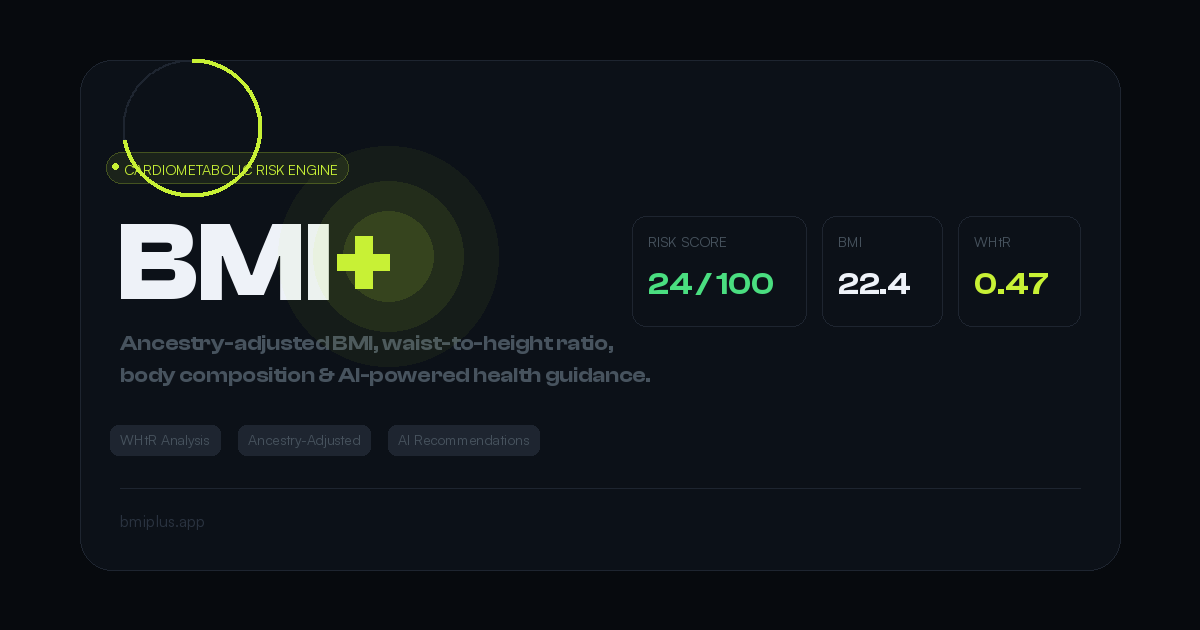
BMI+
BMI+ by Mahembega is a free cardiometabolic risk engine offering ancestry-adjusted thresholds, waist-to-height ratio analysis, body fat estimation, and AI health recommendations beyond standard BMI.
View Details Office / Data analysis
DataPallas
DataPallas is a modern BI and integrated data platform by DataPallas, offering AI-driven data exploration, dashboards, and pixel-perfect report generation, replacing tools like Looker, Tableau, and Cr
View Details Office / Data analysis
Spenno
Spenno is a privacy-first expense tracker by an independent developer that uses AI to scan receipts and extract every line item. It tracks bills, income, taxes, and spending in one app, with a free ti
View Details