
Overview
Quadratic is an AI-powered spreadsheet application. It allows users to analyze data by asking questions in natural language, eliminating the need for manual formulas. The platform integrates Python and SQL for advanced analysis directly within the spreadsheet interface. Users leverage it to generate fast, explainable, and shareable insights from their connected data sources.
Application scenarios
Product Management
Analyze product data to identify usage patterns and inform better product decisions.
Sales and Marketing
View campaign performance metrics and optimize SEO strategies.
Finance
Analyze financial markets and identify potential trading opportunities.
Data Quality Assurance
Find missing or inconsistent values within large tables of data.
Business Intelligence
Cross-reference multiple data queries simultaneously and create custom visualizations.
Daily Data Workflows
Serve as a persistent, daily-use tool for data analysis and workspace management.
Core features
Natural language queries
Ask questions of your data in plain English without writing formulas.
AI-generated code cells
Automatically write and execute Python and SQL code within spreadsheet cells for advanced data manipulation.
Explainable AI analysis
Review and edit any cell to audit the AI's methodology and make manual adjustments.
Multi-query cross-referencing
Analyze and compare the results of several data queries at the same time.
Custom visualization with Plotly
Create tailored charts and graphs directly within the tool.
Team collaboration
Work with others on shared, verifiable analysis within a single spreadsheet.
Enterprise data connectivity
Securely connect to and analyze data from company databases and sources.
SOC 2 & HIPAA compliance
Operate with enterprise-grade security certifications for data protection.
Target users
The tool is designed for professionals and teams who work extensively with data. Specific roles mentioned include Product Managers, Sales and Marketing teams, Finance professionals, and Data Scientists. It supports individuals, small teams, and large enterprises looking to accelerate and collaborate on data analysis.
How to use
You can begin by visiting the official website and signing up. The core workflow involves connecting your data source to the Quadratic spreadsheet. From there, you can ask questions in natural language or instruct the AI to perform tasks like finding data inconsistencies. The AI will generate analysis using formulas, Python, or SQL, which you can then review, edit, and share with your team. For specific steps, refer to the tutorials or templates on the Quadratic website.
Effect review
User testimonials highlight significant time savings and enhanced analytical power. Professionals report saving hours weekly on data cleaning and validation tasks, and they describe the tool as a fundamental part of their daily workflow. The ability to audit the AI's work and create custom visualizations is noted as a key advantage over traditional tools, moving it beyond a simple query interface to a verifiable analysis platform. For teams, the combination of collaborative features, robust security, and AI assistance turns complex data spreadsheets into a more seamless and trusted source for business insights.
Frequently asked questions
What is Quadratic?
Quadratic is an AI-powered spreadsheet that connects to your data, turning questions into fast, explainable, and shareable insights.
How does Quadratic use AI?
Quadratic uses AI to analyze your data and provide insights by interpreting natural language questions, generating visualizations, and explaining results.
What types of data can I connect to Quadratic?
Quadratic can connect to various data sources, including databases, APIs, and cloud storage, to import and analyze your data directly.
Is Quadratic suitable for team collaboration?
Yes, Quadratic is designed for collaboration, allowing you to share insights, visualizations, and analyses with team members in real-time.
Does Quadratic require coding skills?
No, Quadratic is built for users without coding expertise, using natural language queries to interact with data and generate insights.
How does Quadratic ensure data security?
Quadratic implements security measures like encryption and access controls to protect your data, with details available in their privacy policy.
Launch URL
https://quadratichq.com/Tags
Featured recommendations

Rows
alternativeRows is an AI-powered data platform that lets you extract, transform, and analyze data from PDFs, APIs, databases, and more without needing code, SQL, or formulas.

Arithlab AI
alternativeArithlab AI by Arithlab lets you analyze spreadsheets, clean data, and get instant AI insights. Upload CSV or Excel files and chat with your data in plain English.

hiData
alternativehiData by hiData is an AI workspace that integrates data, spreadsheets, documents, databases, and presentations into a single flow to transform scattered work into analysis and share-ready deliverable

Quartr
alternativeQuartr is a research platform from Sweden designed to accelerate and deepen your insights, ensuring trustworthy findings for informed decision-making.

Formulabot
alternativeFormulabot is an AI-powered data analyst that helps users generate formulas, analyze spreadsheets, and create charts for instant insights without any coding required.

Abacus.AI
alternativeAbacus.AI is an AI platform that builds custom applied AI systems for enterprises, automating tasks like chatbots, predictive modeling, forecasting, and personalized workflows.

Datarails
alternativeDatarails is an FP&A platform that empowers finance teams to streamline budgeting, forecasting, and financial planning and analysis within a familiar spreadsheet environment.

XYZ
alternativeXYZ is a scientific research platform by XYZ Science, offering tools for data analysis, visualization, and collaboration to support researchers and academics.
Related Toolkits
 Office / Data analysis
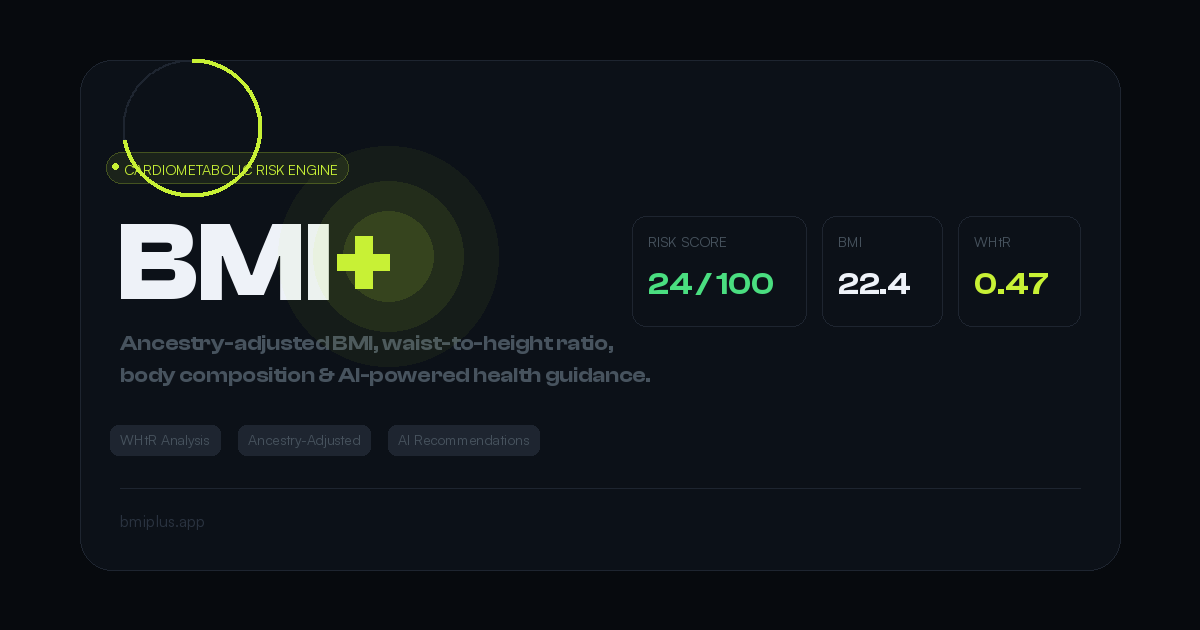
BMI+
BMI+ by Mahembega is a free cardiometabolic risk engine offering ancestry-adjusted thresholds, waist-to-height ratio analysis, body fat estimation, and AI health recommendations beyond standard BMI.
View Details Office / Data analysis
DataPallas
DataPallas is a modern BI and integrated data platform by DataPallas, offering AI-driven data exploration, dashboards, and pixel-perfect report generation, replacing tools like Looker, Tableau, and Cr
View Details Office / Data analysis
Spenno
Spenno is a privacy-first expense tracker by an independent developer that uses AI to scan receipts and extract every line item. It tracks bills, income, taxes, and spending in one app, with a free ti
View Details