Overview
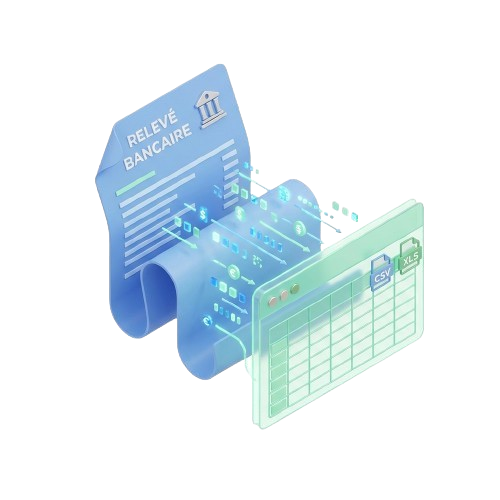
BankStatementLab is a free online tool that converts PDF bank statements into Excel or CSV format. It uses AI-powered OCR technology to automatically extract and structure transaction data, eliminating manual data entry. The platform is GDPR-compliant and offers a free preview on the first two pages of any document. With over 300,000 documents processed and a 4.9/5 customer satisfaction rating, it's designed for professionals who need fast, accurate financial data extraction.
Application scenarios
Accounting firms
Process dozens of client bank statements in minutes, with direct import into accounting software like Sage or Cegid.
Small and medium businesses (PME/TPE)
Track cash flow across multiple bank accounts and eliminate manual reconciliation.
Freelancers & independent workers
Sort expenses for tax declarations in seconds and export clean data for accountants.
Personal finance
Budget smarter with categorized transactions to see where every euro goes.
Multi-page document handling
Works with scanned or digital PDFs up to 100 pages per file.
Cross-border use
Supported in 60+ countries, making it suitable for international financial data processing.
Core features
AI-powered OCR extraction
Automatically detects and structures transactions—dates, descriptions, and amounts—without any manual configuration.
10x faster processing
Converts a 50-page bank statement in under 60 seconds, reducing hours of work to minutes.
99% accuracy guarantee
Ensures consistent columns and perfectly structured data with every extraction.
Direct software integration
Exports directly to Sage, Cegid, Xero, Excel, Google Sheets, and any CSV-compatible tool.
Smart categorization
Automatically categorizes transactions, filters by type, and generates instant expense reports.
Multi-page support
Handles scanned and digital PDFs with up to 100 pages per file.
Free 2-page preview
Allows users to test the extraction quality before committing to a full conversion.
GDPR-compliant data security
Keeps user files under control with full regulatory compliance for European data protection.
Target users
BankStatementLab is built for professionals who value time: accountants and accounting firms processing client statements, small business owners managing multiple accounts, freelancers and independent workers preparing tax declarations, and individuals tracking personal finances. The tool is used by over 10,000 active professionals across 60+ countries.
How to use
Import your PDF bank statement: Drag and drop a file (up to 100 pages) or click to select. A free preview is available on the first two pages. AI OCR analysis runs automatically: The engine detects and structures all transactions—dates, descriptions, amounts—without any setup. Download as Excel or CSV: Export the clean file directly to your accounting software, spreadsheet, or any compatible tool. No complex configuration needed.
Effect review
With a 4.9/5 customer satisfaction rating and over 300,000 documents processed, BankStatementLab delivers on its promise of speed and accuracy. The 10x faster processing and 99% extraction precision are backed by real user testimonials—Sophie Martin, an expert accountant, reports that it transformed client statement processing from hours to minutes. The free 2-page preview and 5-credit starter offer a low-risk entry point, while direct integrations with major accounting tools like Sage and Xero make it a practical choice for professionals. For anyone regularly handling PDF bank statements, this tool eliminates the tedious manual work of data entry and reconciliation.
Frequently asked questions
What is BankStatementLab?
BankStatementLab is a free online tool that converts PDF bank statements to Excel or CSV format for easy financial data extraction and analysis.
Is BankStatementLab free to use?
Yes, BankStatementLab offers 5 free credits to start, allowing you to convert your first bank statements without charge.
What file formats does BankStatementLab support for conversion?
It converts PDF bank statements to Excel (.xlsx) or CSV (.csv) formats.
Do I need to create an account to use BankStatementLab?
Yes, you need to sign up for an account to receive your free credits and use the conversion service.
How many pages or statements can I convert with 5 credits?
Typically, 1 credit equals 1 page or statement conversion, so 5 credits allow you to convert up to 5 pages or statements.
Is my data secure when using BankStatementLab?
BankStatementLab uses encryption and follows privacy best practices to protect your uploaded financial documents.
Launch URL
https://www.bankstatementlab.com/frTags
Featured recommendations

Bank2Excel
alternativeBank2Excel by Satosushi is an AI-powered tool that converts any bank statement PDF into clean Excel or CSV files in seconds. It supports password-protected PDFs and works with banks worldwide, includi

Stated
alternativeStated by Stated Money offers instant spending breakdowns, budgets, AI categorization, and financial insights from uploaded bank statement PDFs—no bank login, CSV conversion, or risk required.
LedgerEasy
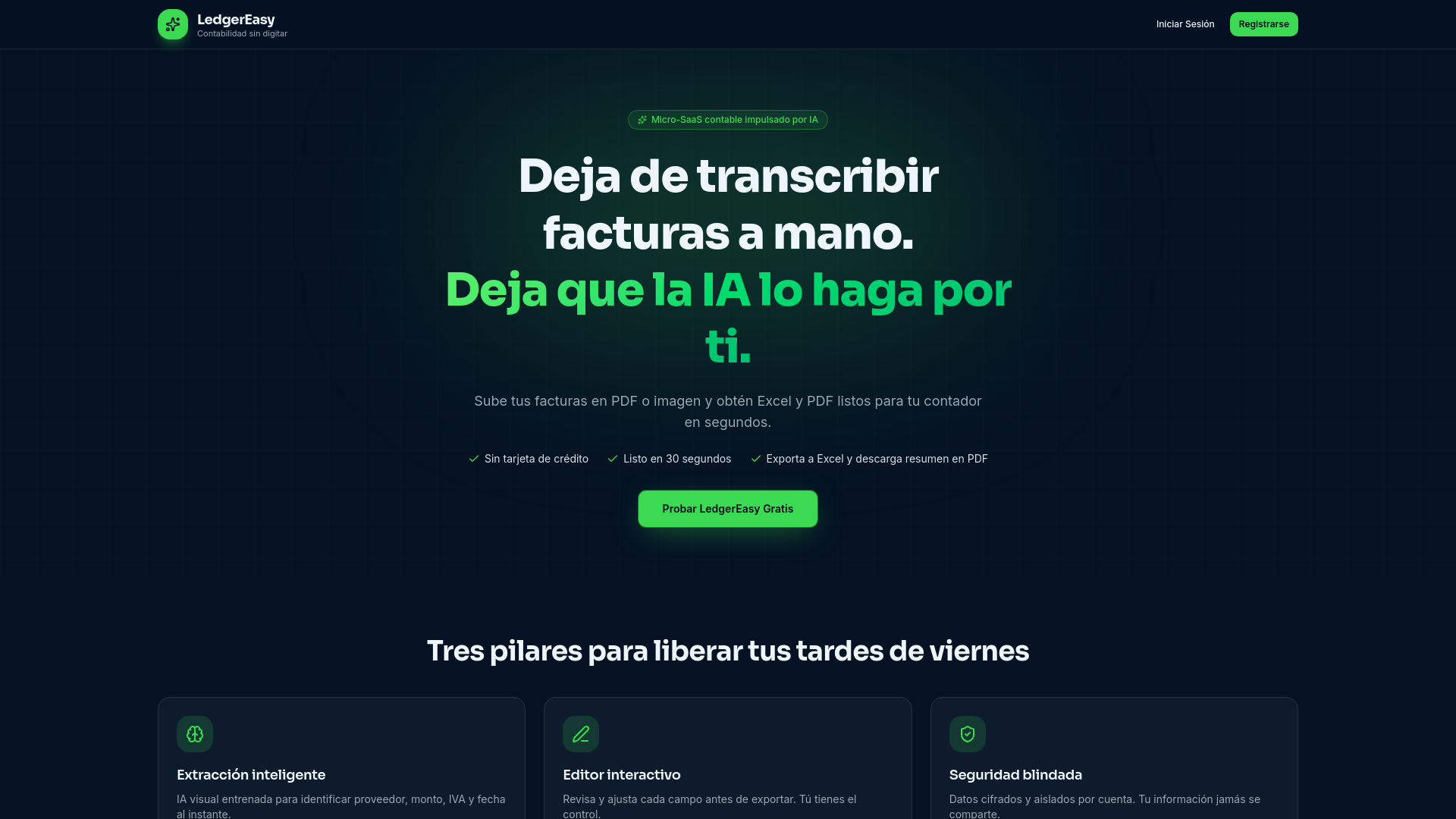
alternativeLedgerEasy is an AI-powered tool by the LedgerEasy team that automates invoice data extraction for accounting, eliminating manual transcription and exporting directly to Excel and PDF.

docAnalyzer
alternativedocAnalyzer by docAnalyzer.ai is an expert AI workspace with three chat modes, multiple models, and downloadable files that build context across turns for source-grounded analysis.

Formulabot
alternativeFormulabot is an AI-powered data analyst that helps users generate formulas, analyze spreadsheets, and create charts for instant insights without any coding required.

PDF to MD Converter
alternativePDF to MD Converter by pdf-to-md.net uses AI OCR to turn any PDF, including scans, into clean, structured Markdown. It offers 3 free pages daily without sign-up, or 10 with a free account.

Inputo
alternativeInputo by Inputo Ltd. extracts employee data from PDFs, Word files, or images and exports it to A3Nom, TeamSystem, PHC GO (Excel), or Moneysoft (CSV). Try free—no card required.

PDF Translate
alternativeAI-powered PDF translator by PDF Translate for free, high-quality document translation into 100+ languages, including English, Spanish, and Chinese, while preserving original layout.
Related Toolkits
 Office / Data analysis
BMI+
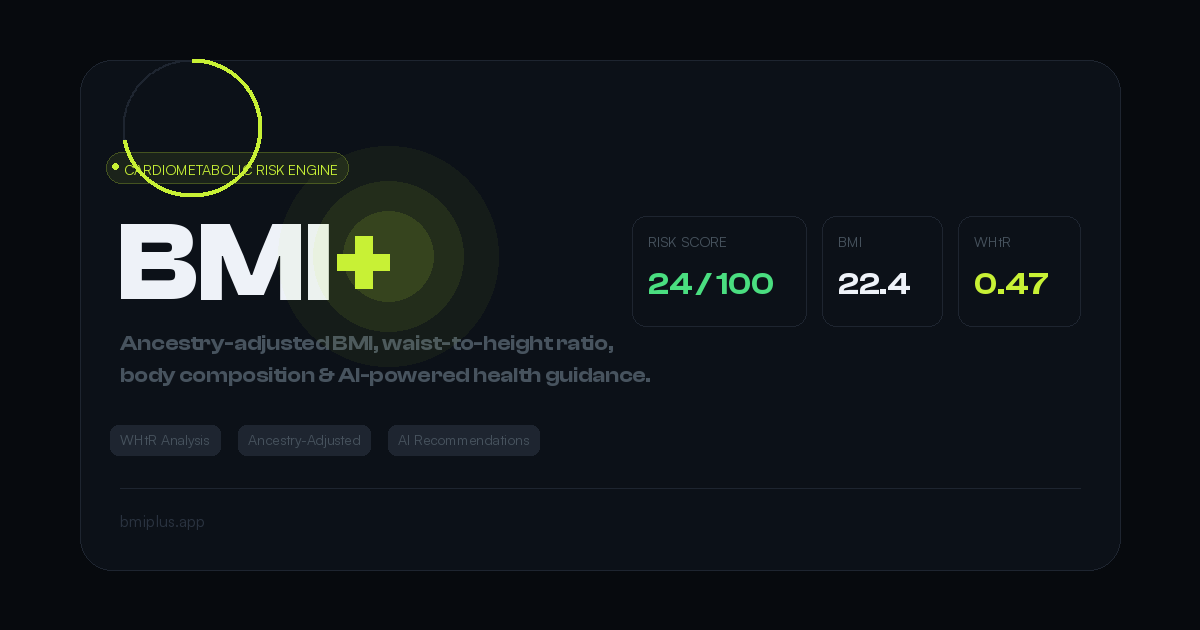
BMI+ by Mahembega is a free cardiometabolic risk engine offering ancestry-adjusted thresholds, waist-to-height ratio analysis, body fat estimation, and AI health recommendations beyond standard BMI.
View Details Office / Data analysis
DataPallas
DataPallas is a modern BI and integrated data platform by DataPallas, offering AI-driven data exploration, dashboards, and pixel-perfect report generation, replacing tools like Looker, Tableau, and Cr
View Details Office / Data analysis
Spenno
Spenno is a privacy-first expense tracker by an independent developer that uses AI to scan receipts and extract every line item. It tracks bills, income, taxes, and spending in one app, with a free ti
View Details