
Overview
Bank2Excel by Satosushi is an AI-powered tool that converts any bank statement PDF into clean Excel, CSV, or JSON files in seconds. It eliminates manual data entry by automatically parsing transactions—dates, amounts, descriptions—from any bank layout, including password-protected PDFs. Users simply drop a PDF and get a perfectly formatted spreadsheet ready for accounting tools. The tool works with banks worldwide, from HSBC and Chase to DBS and Asian banks like 台新 and 玉山.
Application scenarios
Accounting automation
Quickly convert bank statements into spreadsheets for bookkeeping or reconciliation.
Personal finance tracking
Export transaction data into Excel or Google Sheets for budgeting.
Business expense reporting
Parse corporate bank statements into CSV for expense management software.
Audit preparation
Generate clean, ISO-formatted data from multiple bank PDFs for auditors.
Data migration
Convert bank records into JSON for importing into custom financial dashboards or apps.
Multi-bank consolidation
Combine statements from different banks and countries into a single spreadsheet.
Core features
AI parsing without per-bank rules
The AI reads every transaction—dates, amounts, descriptions—without needing hard-coded parsers for each bank.
Password-protected PDF support
Upload encrypted bank statements; the tool handles password-protected files fully.
Multiple export formats
Download your data as Excel, CSV, or JSON with dates in ISO format and amounts as numbers.
AES-256 encrypted storage
Your PDFs are stored with enterprise-grade encryption, and you can delete them any time.
No data sold to third parties
The service explicitly states it never sells your data.
File deletion on demand
Users can delete their uploaded files at any time for full control.
Free first conversion
No sign-up needed for your first conversion—just drop a PDF and get the output.
Max 25 MB file size
Upload PDFs up to 25 MB per file.
Target users
Accountants, bookkeepers, small business owners, freelancers, and anyone who regularly receives bank statements in PDF format and needs them in structured spreadsheet data. The tool also suits individuals managing personal finances across multiple banks or countries.
How to use
Go to the Bank2Excel website and drag-and-drop or click to browse a bank statement PDF (max 25 MB). The AI automatically parses the file—including password-protected PDFs—and extracts all transactions. Download the result as Excel, CSV, or JSON, ready to import into your accounting software or spreadsheet. For more conversions, sign up for a free account (5 per day) or choose a paid plan for unlimited use.
Effect review
Bank2Excel solves a genuinely tedious problem—manual data entry from bank PDFs—with a clean, no-fuss interface. The AI parsing works across any bank layout, which is a major advantage over tools that require per-bank templates. The support for password-protected files and AES-256 encryption adds practical security for sensitive financial data. For the price of a free first conversion, it's a low-risk try for anyone who regularly handles bank statements. The 5-per-day free limit after signup is reasonable for light users, while the unlimited paid plan likely suits heavy accounting workflows. Overall, it delivers exactly what it promises: bank statements to clean spreadsheets in seconds.
Frequently asked questions
What is Bank2Excel?
Bank2Excel is an AI-powered tool that converts bank statement PDFs into clean Excel or CSV files in seconds, supporting password-protected PDFs and banks worldwide.
How does Bank2Excel work?
You upload a bank statement PDF, and the AI extracts data automatically, converting it into a downloadable Excel or CSV file.
Does Bank2Excel support password-protected PDFs?
Yes, it supports password-protected PDFs; you just need to provide the password during upload.
Which banks are compatible with Bank2Excel?
Bank2Excel works with banks worldwide, including major institutions like Chase, Bank of America, Barclays, HSBC, and many more.
What formats can I export to?
You can export the converted data as Excel (.xlsx) or CSV files.
Is Bank2Excel free to use?
Bank2Excel offers a free trial with limited conversions; full access requires a paid subscription.
Launch URL
https://bank2excel.satosushi.co/Tags
Featured recommendations
BankStatementLab
alternativeBankStatementLab provides free online conversion of PDF bank statements to Excel or CSV, offering 5 credits to start for easy financial data extraction and analysis.

Stated
alternativeStated by Stated Money offers instant spending breakdowns, budgets, AI categorization, and financial insights from uploaded bank statement PDFs—no bank login, CSV conversion, or risk required.
LedgerEasy
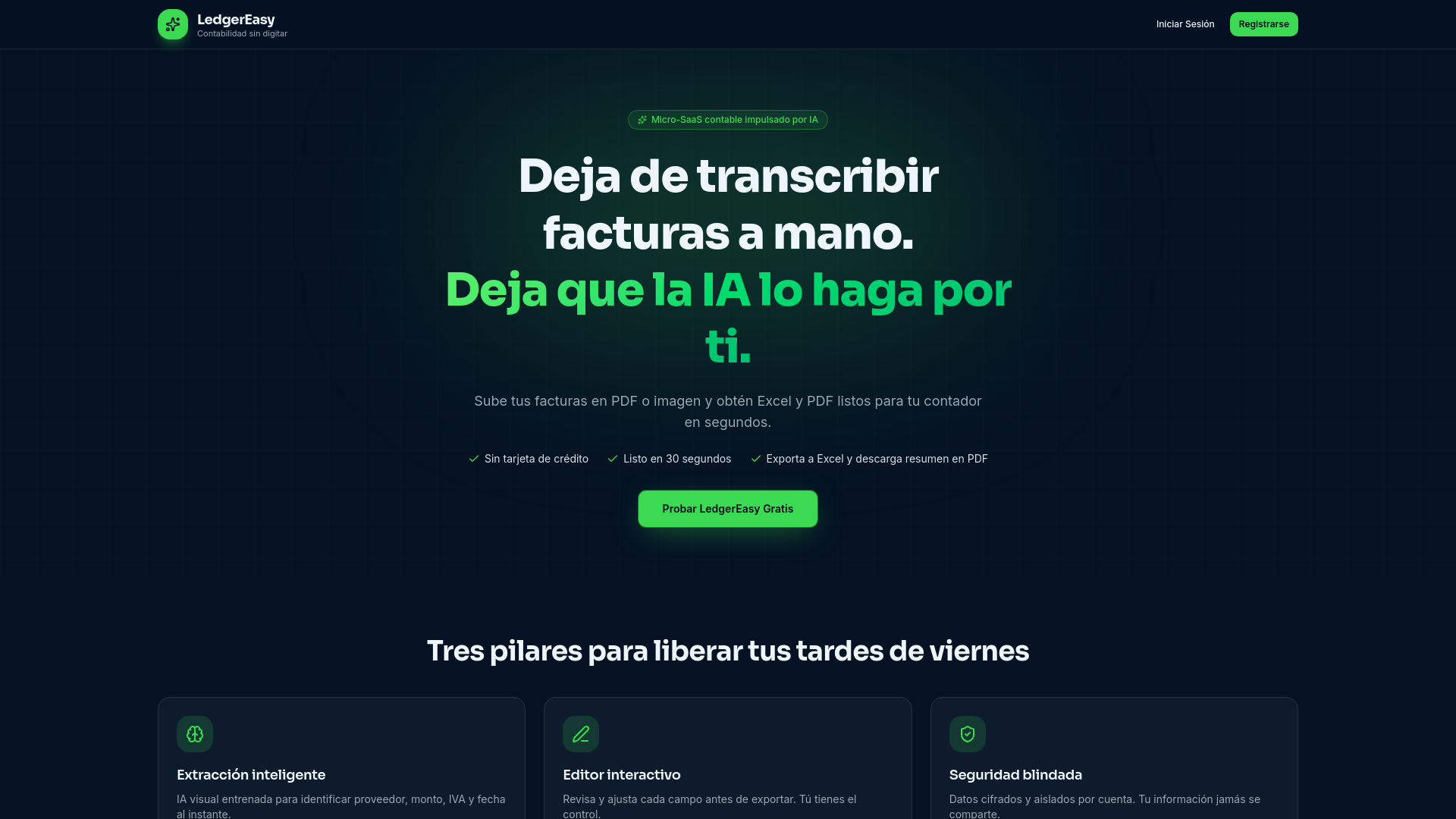
alternativeLedgerEasy is an AI-powered tool by the LedgerEasy team that automates invoice data extraction for accounting, eliminating manual transcription and exporting directly to Excel and PDF.

PDF to MD Converter
alternativePDF to MD Converter by pdf-to-md.net uses AI OCR to turn any PDF, including scans, into clean, structured Markdown. It offers 3 free pages daily without sign-up, or 10 with a free account.

AI PDF Tools
alternativeAI PDF Tools by TopPDF offers intelligent PDF processing, including editing, conversion, and compression, powered by artificial intelligence for efficient document management.

PDF Translate
alternativeAI-powered PDF translator by PDF Translate for free, high-quality document translation into 100+ languages, including English, Spanish, and Chinese, while preserving original layout.

ExportMart AI
alternativeExportMart AI by ExportMart is a free AI-powered tool for generating professional commercial invoices in seconds, trusted by exporters in the USA, India, and Europe. No login required.

docAnalyzer
alternativedocAnalyzer by docAnalyzer.ai is an expert AI workspace with three chat modes, multiple models, and downloadable files that build context across turns for source-grounded analysis.
Related Toolkits
 Office / Document processing
Ablagio
A GDPR-compliant AI tool by Ablagio that organizes your files by analyzing filenames only—never the content. No installation or cloud upload required, offering a private, efficient solution for declut
View Details Office / Document processing
AI Timeline Maker
AI Timeline Maker is a tool by timeline-maker.org for creating, editing, and sharing timelines. It generates events, imports documents, supports collaboration, and exports visuals for projects in minu
View Details Office / Document processing
Casho AI
Casho AI is a free invoice generator by Casho that creates professional invoices effortlessly using voice input and smart prompts, with instant download and email delivery.
View Details