
Overview
AudienceCue is a tool that downloads YouTube comments from videos, channels, and playlists, then transforms them into cited AI reports. Every insight in a report is backed by a real public comment, so users can see what's working, what's pushing back, and what to make next. It combines a YouTube comment downloader with an AI analyzer, keeping the entire workflow—download, analysis, evidence, and sharing—in one place. Users paste a YouTube link, download comments, generate an evidence report, and share or export the result.
Application scenarios
Content strategy
Analyze audience reactions to videos to decide what topics or formats to create next.
Competitor analysis
Download comments from competitor channels to spot trends, pain points, or praise.
Product feedback
Collect viewer comments on product demos or reviews to identify what features users love or hate.
Community management
Monitor sentiment across multiple videos or playlists to gauge audience pushback or approval.
Research and reporting
Generate evidence-backed reports with source-linked comments for presentations or team decisions.
Multilingual audience insights
Use the 12-language UI to analyze comments from global YouTube channels.
Core features
YouTube comment downloader
Download comment text and reply counts from videos, Shorts, live videos, channels, playlists, and multi-link lists.
AI evidence reports
Generate a comment analysis report where every insight links back to a real public comment, not invented examples.
Bulk source input
Paste a single link or use Bulk mode for channels, playlists, or URL lists; the tool detects the source type automatically.
Comment depth options
Choose from three levels—comment text only, with replies (recommended), or full thread for deeper conversation context.
4-format comment exports
Export downloaded comments in multiple formats for use outside the tool.
Report sharing and downloads
Share reports or download them as files, including source-linked evidence.
Multilingual UI
The interface supports 12 locales, making it accessible for non-English-speaking users.
Free no-signup tier
Download comments free and generate one comment analysis report without signing up.
Target users
Content creators, YouTube strategists, social media managers, product marketers, and researchers who need to extract and analyze audience feedback from YouTube comments. The tool is built for anyone who wants evidence-backed insights—not just raw data—to inform content decisions.
How to use
Paste a YouTube link (video, Shorts, live, channel, or playlist) into the input field. Choose comment depth: comment text only, with replies, or full thread. Download comments (free, no signup required). Generate an evidence report using 1 report credit (on by default; turn it off for download-only). Share or export the report in one of the 4 available formats.
Effect review
AudienceCue delivers exactly what it promises: a clean workflow from YouTube link to cited AI report. The ability to tie every insight to a real public comment eliminates the guesswork common in AI analysis tools. The free tier is generous enough to test the full pipeline, and the bulk input and multilingual UI expand its usefulness beyond casual use. For creators and analysts who need to back decisions with audience evidence, this tool fills a clear gap—no invented testimonials, just real comments. It’s a practical, no-nonsense solution for turning YouTube chatter into actionable reports.
Frequently asked questions
What is AudienceCue?
AudienceCue is a tool for downloading YouTube comments from videos, channels, and playlists, and transforming them into cited AI reports with insights backed by real public comments.
How does AudienceCue generate reports?
It uses AI to analyze downloaded YouTube comments and creates reports that cite specific comments, ensuring every insight is traceable to a real public comment.
Can I download comments from any YouTube video?
Yes, you can download comments from individual videos, entire channels, or playlists, as long as they are public.
Is AudienceCue free?
The description indicates it is 'fr' (likely truncated), suggesting it may be free or have a free tier, but please check the official site for current pricing.
What types of insights does the AI report provide?
The AI report summarizes audience sentiment, common themes, and key opinions from the comments, with each insight linked to a specific comment for verification.
Do I need technical skills to use AudienceCue?
No, the tool is designed to be user-friendly, allowing you to simply input a video, channel, or playlist URL to start downloading comments and generating reports.
Launch URL
https://audiencecue.com/Tags
Featured recommendations

BeyondComments
alternativeBeyondComments by an independent developer extracts valuable insights from YouTube comments, helping users discover better videos, strong replies, sponsor leads, and viewer preferences.

Viewer Lens
alternativeViewer Lens by the tool's developer is an AI-powered tool that analyzes YouTube comments, providing an audience brief with viewer mood, questions, themes, notable comments, and creator next steps.
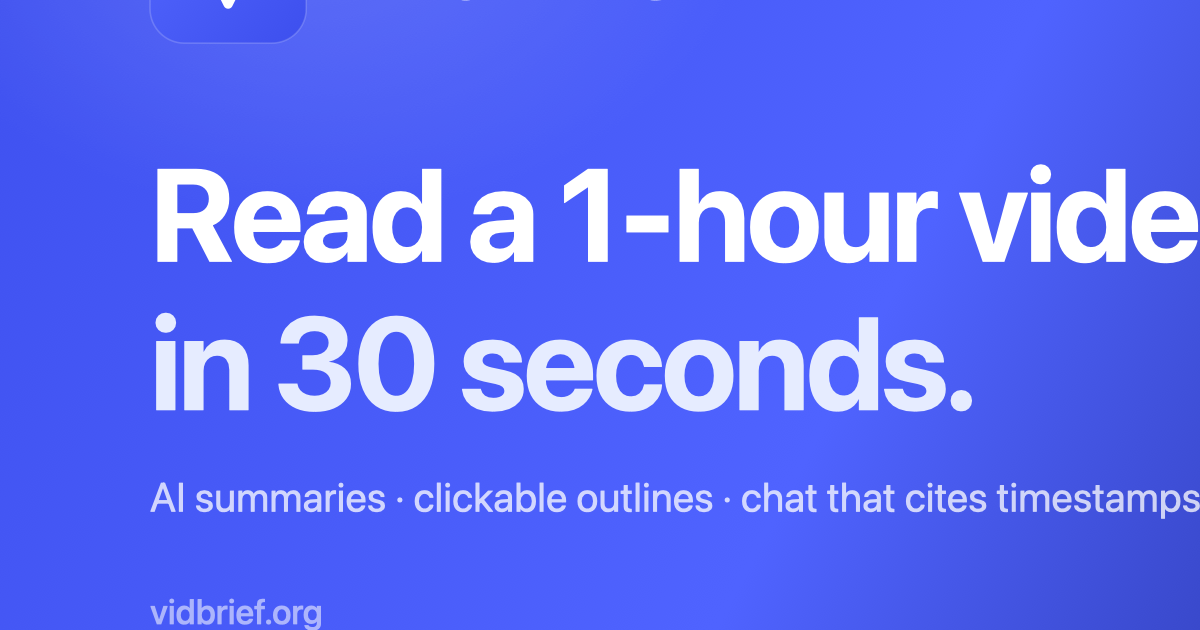
VidBrief
alternativeVidBrief by an independent developer offers AI-powered YouTube video summaries in 30 seconds, with clickable chapter outlines, full transcripts, and a timestamp-cited chat. Free to use with no credit

YouTube Channel Intelligence
alternativeA comprehensive YouTube research toolkit by MCPize with 24 tools for SEO, competitor analysis, monetization insights, script evaluation, and channel strategy, all integrated within Claude.

vidIQ
alternativevidIQ by vidIQ is a YouTube growth tool offering AI-powered keyword research, channel audits, and video optimization to help creators boost views, subscribers, and engagement.

ScouTube
alternativeAll-in-one AI dashboard by ScouTube for researching competitors, discovering niches, writing scripts, translating into 100+ languages, and building a creator site.

CitedSpy
alternativeCitedSpy by CitedSpy is an AI brand monitoring tool that tracks how your brand is mentioned across ChatGPT, Perplexity, Gemini, Copilot, Claude, and Grok, providing insights into citations, sentiment,
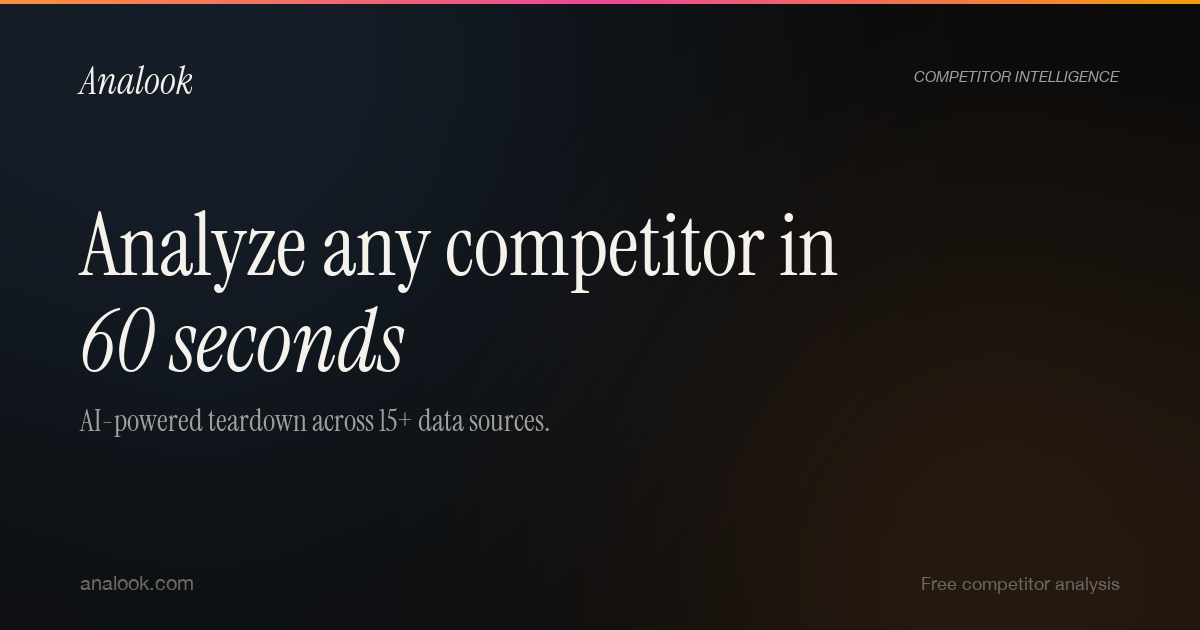
Analook
alternativeAnalook by Analook provides free AI-powered competitor analysis reports, covering traffic, SEO, social media, pricing, and market positioning. Enter any URL to get instant insights, with a $5 deep-div
Related Toolkits
Marketing / Market researchBeyondComments
BeyondComments by an independent developer extracts valuable insights from YouTube comments, helping users discover better videos, strong replies, sponsor leads, and viewer preferences.
View Details Marketing / Market research
BidWatchHQ
BidWatchHQ provides recompete pipelines, WARN Act signals, GAO protest patterns, and agency scoring—intelligence typically costing primes $30K/year—for $99/month.
View Details Marketing / Market research
Bidfix
Bidfix is an AI-powered platform by Bidfix that helps businesses find, analyze, and win public tenders. It aggregates over 100 platforms, offers AI-driven analysis, and enables quick Bid/No-Bid decisi
View Details