
Overview
Argos is a Chrome extension that gives you full control over your browser—it opens tabs, scrolls, clicks, fills out forms, and interacts with any DOM element on any page. It's positioned as an AI agent that acts as you, not just for you, meaning it completes tasks inside your browser using your own logged-in accounts. Argos also offers a CLI version that brings the same agent to your desktop with real shell access and your logged-in browser. It integrates natively with Gmail, Google Docs, and Google Sheets, letting you draft emails, write documents, and build spreadsheets with charts inside your actual Google account. The site notes that Argos is a modified, rebranded version of Lyto AI.
Application scenarios
Sales reporting
Turn Q2 sales data into a formatted PDF report with a single request.
Background research
Run agent tasks quietly in the background while you work elsewhere, then return to finished results.
Form automation
Fill out complex web forms across any website without manual typing.
Document creation
Write full documents inside Google Docs using your own account.
Email drafting
Compose and send real emails through Gmail without leaving your workflow.
Data transformation
Convert raw data into spreadsheets with charts inside Google Sheets.
Remote desktop control
Text the CLI agent from Telegram and trigger shell commands or browser actions from anywhere.
Core features
Real-time agent execution
Argos works on tasks while you watch, completing actions in the browser as they happen.
Background task processing
The agent runs quietly in the background and hands you the finished result when you return.
Full browser control
Opens tabs, scrolls, clicks, fills forms, and interacts with every element on any page.
Google Workspace integration
Native support for Gmail, Google Docs, and Google Sheets inside your actual Google account.
CLI with shell access
The same agent runs on your desktop with real shell access and your logged-in browser.
Telegram remote control
Text the CLI agent from Telegram to trigger actions from anywhere.
Local data privacy
Your data stays local—no cloud processing required.
Free Chrome extension
Install directly from the Chrome Web Store at no cost.
Target users
Argos suits professionals who spend significant time on repetitive browser tasks—sales teams generating reports, researchers gathering information, marketers filling out forms, and operations staff managing documents and spreadsheets. The CLI and Telegram integration also make it useful for developers or power users who want remote automation capabilities. Teams at companies like Tele2, Elevatify, and Counsel AI reportedly use the tool.
How to use
Start by adding the Argos Chrome extension from the Chrome Web Store—the site links directly to the extension page. Once installed, you can give the agent natural-language instructions like "Turn my Q2 sales into a PDF report," and it will execute the task in your browser using your logged-in accounts. For desktop automation, visit the CLI page to set up shell access and connect Telegram for remote commands. The site offers a "Get started" button that takes you to the sign-in flow.
Effect review
User feedback on the site is positive: one user reports that Argos cut research time by more than half after just three days of use. The core value proposition is clear—instead of telling you what to do, the agent actually does the clicking, typing, and form-filling. The combination of full browser control, Google Workspace integration, and a remote-controllable CLI makes this a genuinely versatile automation tool. The "acts as you" approach using your own logged-in accounts is a significant differentiator, as it removes the friction of re-authenticating or switching contexts. For anyone drowning in repetitive browser tasks, Argos offers a practical, hands-off way to get work done.
Frequently asked questions
What is the Argos Chrome extension?
Argos is a Chrome extension that provides full browser control, allowing you to open or close tabs, scroll, click, fill forms, and interact with any DOM element. It also integrates with Google Docs, Gmail, and Sheets to automate tasks.
How does Argos integrate with Google services?
Argos works directly with Google Docs, Gmail, and Sheets, enabling you to automate repetitive tasks like data entry, email management, and document editing by controlling the browser interface.
Is Argos safe to use?
Yes, Argos operates within your browser with your explicit permission. It only interacts with pages you authorize, and it does not access data outside of your active browser sessions unless you configure it to do so.
Do I need coding skills to use Argos?
No, Argos is designed for non-technical users. You can automate tasks using simple commands or a visual interface, though advanced users can also use scripting for more complex automation.
Can Argos automate tasks across multiple tabs?
Yes, Argos can manage multiple tabs simultaneously, allowing you to automate workflows that involve switching between tabs, copying data, and performing actions across different pages.
Is Argos free to use?
Argos offers a free tier with basic features. For advanced automation, integrations, and priority support, there is a paid subscription plan.
Launch URL
https://www.tryargos.cc/Tags
Featured recommendations

Lyto AI
alternativeLyto AI by trylyto.com is a Chrome extension for full browser control: open/close tabs, scroll, click, fill forms, and interact with DOM elements. Integrates with Google Docs, Gmail, and Sheets for re

Argos
alternativeArgos SecOps offers AI-powered security information and event management for automated threat detection, log analysis, and incident response.

Starizon AI
alternativeStarizon AI offers a Chrome side-panel agent for chatting with webpages, extracting structured data, automating tasks with Agent S6, and syncing apps via Toolkits & Skills.

Accio Work
alternativeAccio Work is a local-first desktop AI agent by Accio that autonomously handles business tasks like design, trend analysis, SEO, and marketing, with secure access to your local files.

OpenBot
alternativeOpenBot by GetOpenBot lets you coordinate specialized AI agents in a shared, local-first, open-source workspace. Browse the agent registry, bring your own keys, and orchestrate complex workflows effic
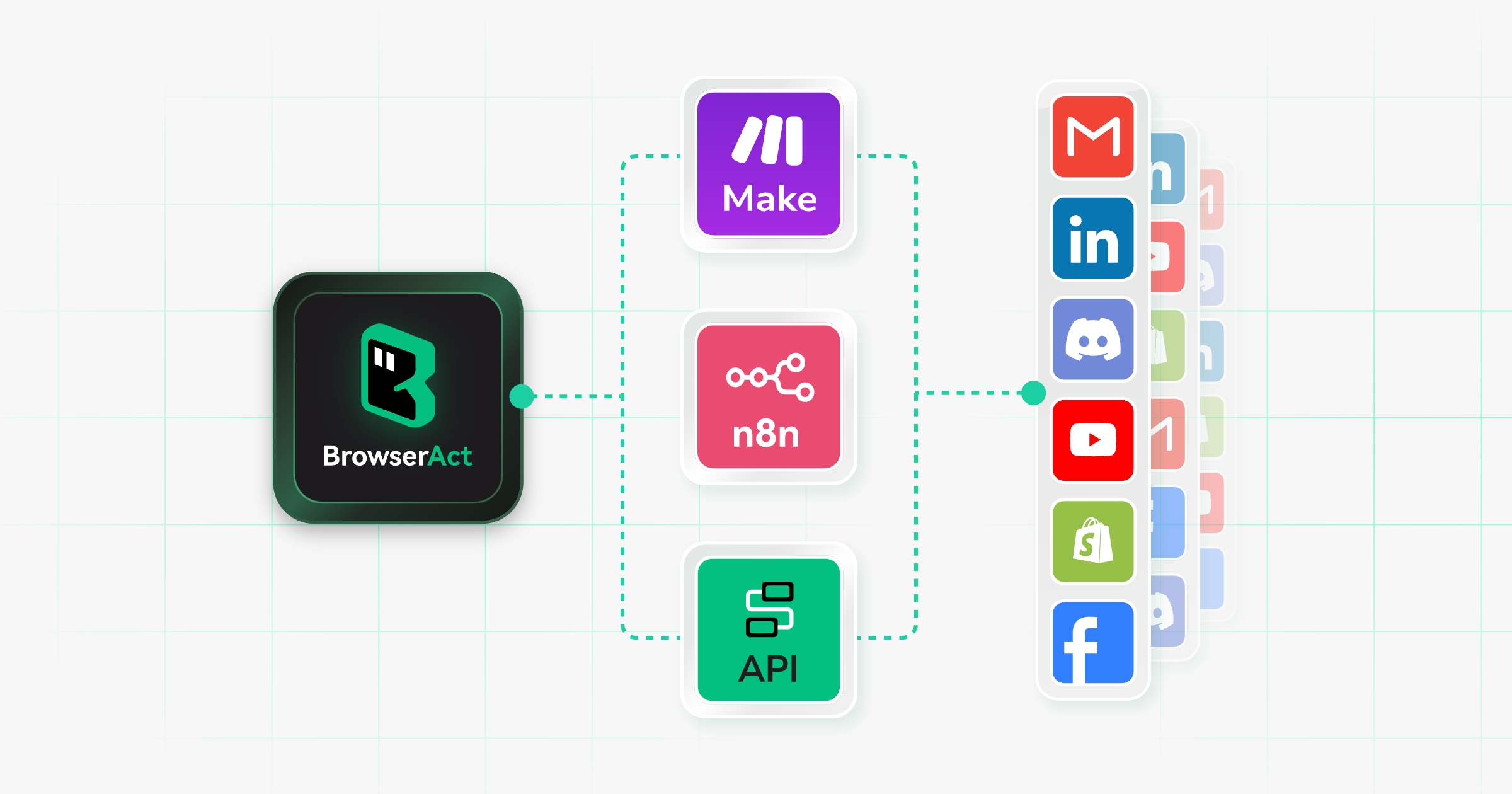
BrowserAct
alternativeBrowserAct by BrowserAct enables AI agents to extract live web data, perform browser actions, handle logins and CAPTCHAs, and complete end-to-end real web tasks.

Quaso
alternativeQuaso by Notte turns plain English into web automations. Browse live, deploy scheduled functions, and connect your apps seamlessly.

Agently
alternativeAgently by Jarvis builds a unified company brain across your entire tech stack, then deploys autonomous agents to execute tasks and orchestrate workflows, enabling your whole stack to run itself.
Related Toolkits
 AI Assistant / Automation
Browse AI
Browse AI is a no-code platform for automating web data extraction and monitoring, enabling users to easily collect and track information from websites without programming.
View Details AI Assistant / Automation
Blazeup
Blazeup is an AI platform by Blazeup for business operations, integrating HR, finance, IT, CRM, and project management with AI agents that automate tasks.
View Details AI Assistant / Automation
Wukong
AI assistant by DingTalk for workplace communication, task automation, and productivity enhancement through intelligent chat and workflow integration.
View Details