Overview
AI Face Cutout is a free online tool that uses specialized AI to isolate faces from photos and export them as high-resolution transparent PNGs. It processes images in under 30 seconds, with hair-level edge precision and no manual editing required. Users upload a portrait or group photo, the AI removes the background, and they download a print-ready face cutout. The tool is built specifically for face isolation—not a generic background remover.
Application scenarios
Sports events
Create face cutouts for team photos, game-day props, and custom banners.
Graduation ceremonies
Isolate individual faces from class group photos for personalized keepsakes or party decorations.
Party and event props
Generate face cutouts for photo booth accessories, cake toppers, or party invitations.
Print projects
Export high-resolution (up to 2K, 300 DPI) transparent PNGs ready for large-format printing at local print shops.
Social media content
Quickly extract faces for memes, profile pictures, or design overlays without using Photoshop.
Classroom and school projects
Teachers and students can produce face cutouts for posters, presentations, or yearbook layouts.
Core features
AI-powered face isolation
Upload any photo and the AI detects faces, traces edges at the pixel level, and removes the background automatically.
Hair-level precision
The AI preserves individual hair strands for natural, professional-looking cutouts—unlike generic background removers that create jagged edges.
Batch processing
Upload group photos and get all faces cut out at once, ideal for team photos, class graduations, and event groups.
Ultra-fast processing
Most images are processed in under 30 seconds, compared to 20–60 minutes of manual Photoshop work.
High-resolution export
Download transparent PNGs at up to 2K resolution with 300 DPI, ready for large-format printing.
Privacy-first handling
Photos are encrypted during transfer, processed securely, and automatically deleted—originals are never stored or used for training.
No skill required
Zero editing experience needed—just upload a photo and download the result.
Supported file formats
Accepts JPG, PNG, and WebP files up to 10MB.
Target users
This tool is built for anyone who needs quick, clean face cutouts without design skills. It’s ideal for event organizers, teachers, parents, sports coaches, small business owners, and social media creators who want print-ready assets fast. Print shop customers and DIY party planners will also benefit from the no-fuss workflow and high-resolution output.
How to use
Open the website at https://aifacecutout.com/ . Upload a photo by dragging and dropping or browsing files—supports JPG, PNG, and WebP up to 10MB. Click "Cut Out Face" to let the AI process the image (takes under 30 seconds). Download the resulting transparent PNG at up to 2K resolution, ready for printing or design use.
Effect review
AI Face Cutout delivers on its core promise: fast, hair-level face isolation without manual effort. The specialized AI model—trained on millions of faces—produces cleaner edges than generic background removers, and batch processing saves significant time on group photos. The transparent PNG output at 2K/300 DPI means results are genuinely print-ready, not just web-friendly. For users who need quick face cutouts for events, props, or social media, this tool eliminates the need for expensive print shops or hours in Photoshop. The privacy policy (encrypted transfer, automatic deletion) adds trust for sensitive photo uploads.
Frequently asked questions
What is AI Face Cutout?
AI Face Cutout is a free online tool that creates print-ready face cutout PNGs from any photo in 30 seconds, ideal for sports games, graduation, and party props.
Is AI Face Cutout free to use?
Yes, it is completely free with no sign-up required, developed independently.
How fast does AI Face Cutout work?
It generates a face cutout PNG in about 30 seconds from photo upload.
What can I use AI Face Cutout for?
It’s perfect for creating face cutouts for sports games, graduation ceremonies, party props, and other print-ready projects.
What file format does AI Face Cutout produce?
It outputs PNG files with transparent backgrounds, ready for printing.
Do I need to create an account to use AI Face Cutout?
No, the tool is free and requires no sign-up or account creation.
Launch URL
https://aifacecutout.com/Tags
Featured recommendations

Remove Background
alternativeAI tool by CropForMe that instantly removes backgrounds from JPG, PNG, or WebP portraits. Processes entirely in your browser, shows a side-by-side preview, and exports a transparent PNG—no registratio

Cutout.Pro
alternativeCutout.Pro is an all-in-one visual design platform by Cutout.Pro, offering AI tools for automatic background removal, image and video editing, text-to-speech, and content generation to transform ideas

AI Facefy
alternativeAI Facefy is a free, secure AI tool for generating and remaking facial images and videos. It uses cutting-edge AI technology to effortlessly transform photos into new photos or videos.

MiaoCut
alternativeMiaoCut AI by MiaoCut is a free online tool for instant background removal from images, offering HD cutouts without watermarks or signup, with a focus on privacy-first processing.

AI Photo Editor
alternativeAI Photo Editor by aiphotoeditor.io is a free online tool for fast image editing. Remove, replace, enhance, and restyle photos in seconds using simple AI features.

AI Remove Text From Image
alternativeAI tool by AI Remove Text From Image for removing text, watermarks, captions, and logos from photos online. Upload an image, brush the unwanted area, and download a clean result.
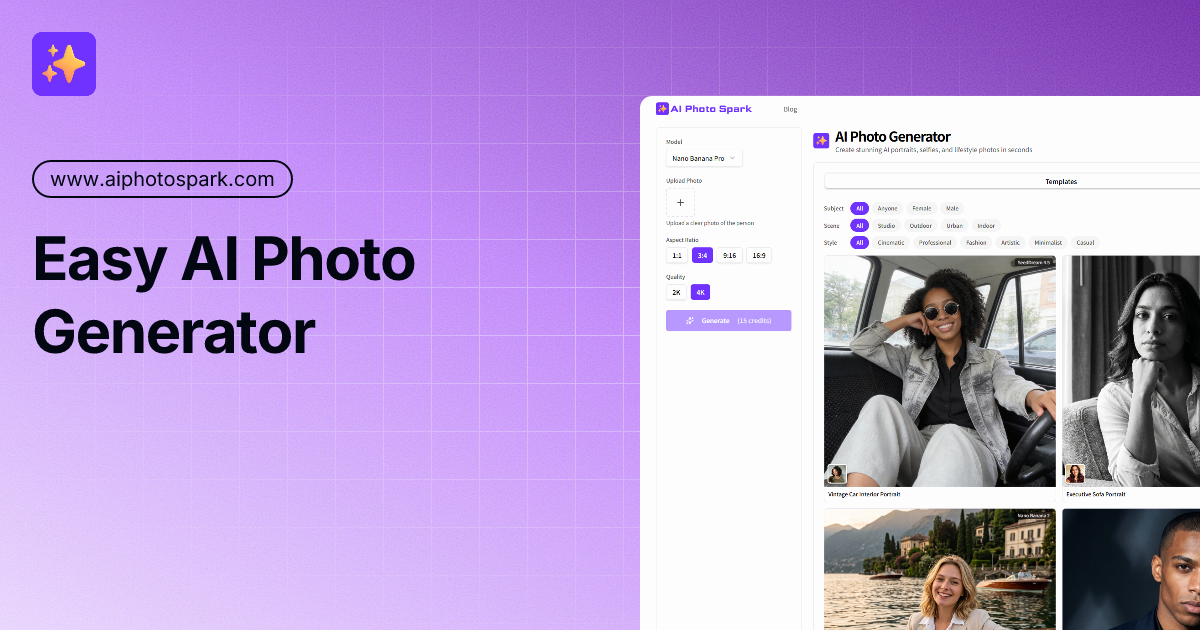
AI Photo Generator
alternativeAI Photo Generator by AI Photo Spark turns one selfie into professional AI portraits. Choose from various styles to get studio-quality results in seconds. Easy to use and free to start.

Facing AI
alternativeFacing AI is a free tool for instantly swapping faces in photos and videos, offering realistic results with no sign-up or watermarks.
Related Toolkits
Image / Image editingMiaoCut
MiaoCut AI by MiaoCut is a free online tool for instant background removal from images, offering HD cutouts without watermarks or signup, with a focus on privacy-first processing.
View Details Image / Image editing
BigJPG
A free online AI tool for lossless image enlargement, enhancing resolution without quality degradation.
View Details Image / Image editing
Bimg AI
Bimg AI is a platform by Nano Banana offering AI-powered image editing, upscaling, restoration, background removal, and AI video generation for Pro and 2 users.
View Details