
Overview
AI App Store Screenshots is a free, open-source web tool by Vercel that lets developers and designers generate polished app store screenshots for iOS and Android. It provides a canvas-based editor where you can add device frames, text, images, shapes, and gradients to create custom app previews. The tool focuses on simplifying the process of producing professional-looking screenshots without needing design software. Users can export their final designs directly from the browser.
Application scenarios
App store optimization
Create multiple screenshot variants for A/B testing in the App Store and Google Play.
Marketing materials
Generate consistent visuals for social media posts, landing pages, or ad campaigns.
Product demos
Quickly mock up app interfaces inside realistic device frames for presentations or pitch decks.
Freelance design
Produce client-ready app store assets without opening heavy design tools like Photoshop or Sketch.
Developer portfolios
Showcase personal projects with clean, branded screenshots for GitHub or personal websites.
Rapid prototyping
Experiment with different layouts, fonts, and color schemes before committing to final assets.
Core features
Templates
Start from pre-built layouts to speed up the design process.
Device frames
Choose from a wide range of iPhone models (11, 11 Pro, 11 Pro Max, 12 Pro Max, 13) in various colors like White, Gold, Graphite, Pacific Blue, Silver, Blue, Midnight, and Pink.
Text editing
Add textboxes, headings, subheadings, and paragraphs with font options including Arial, Helvetica, Times New Roman, Georgia, Comic Sans MS, and more.
Image upload
Upload your own screenshots (up to 4MB) and apply them to device frames.
Shape tools
Draw shapes with customizable fill color (solid or gradient), stroke color, stroke width, stroke type, and opacity.
Elements panel
Manage all canvas objects—shapes, text, images—with a dedicated "Elements" section for easy selection and editing.
Export
Export your final composition directly from the editor.
Open source
Full code available on GitHub for self-hosting or customization.
Target users
App developers, indie makers, mobile designers, and product marketers who need to quickly produce app store screenshots without relying on expensive design subscriptions. The tool is especially useful for solo developers and small teams who want a no-fuss, browser-based solution for creating consistent app previews.
How to use
Open the website at https://ai-app-store-screenshots.vercel.app/ . Use the "Templates" tab to pick a starting layout, or start from scratch. Add elements via the "Elements" panel: shapes, text (heading, subheading, paragraph, textbox), and images. Upload your app screenshot (max 4MB) and select a device frame (e.g., iPhone 13 in Blue) to apply it. Customize colors, fonts, stroke options, and opacity for each element. Export your finished screenshot using the "Export" button.
Effect review
AI App Store Screenshots delivers exactly what its name promises: a straightforward way to generate app store screenshots with device frames and customizable text. The open-source nature and zero cost make it a practical choice for developers who want full control over their assets. The device frame selection covers recent iPhone models with multiple color options, which is more than enough for most indie projects. However, the tool lacks Android device frames and advanced features like batch export or AI-generated copy. For quick, one-off screenshots, it's a solid, no-frills solution that gets the job done without bloat.
Frequently asked questions
What is AI App Store Screenshots by Vercel?
It's a tool that generates polished app store screenshots for iOS and Android using customizable templates and layouts.
Does the tool support both iOS and Android platforms?
Yes, it generates screenshots for both iOS and Android app stores.
Can I customize the templates and layouts?
Yes, the tool offers customizable templates and layouts to fit your app's branding.
Is the tool free to use?
Pricing details are not specified, but Vercel typically offers free tiers for their tools; check their website for exact pricing.
Do I need design skills to use this tool?
No, it's designed to simplify the process, so no advanced design skills are required.
Can I export screenshots in different resolutions?
Yes, the tool likely supports standard app store resolutions for both iOS and Android devices.
Launch URL
https://ai-app-store-screenshots.vercel.app/Tags
Featured recommendations

AI Image Maker
alternativeAI Image Maker by its developer offers a production-ready SaaS template to launch your image tools platform in days. It includes 20+ built-in tools, clean code, and SEO optimization for quick deployme

GenerateImage.ai
alternativeGenerateImage.ai is an AI image generator and photo editor offering 100+ effects. It enables users to generate, edit, and enhance photos via text prompts, requiring no design skills.

AI Image Creator
alternativeAI Image Creator by AIimgcreator.com for generating, editing, and enhancing images from text descriptions instantly, free with no signup required.

Image to Video AI
alternativeImage to Video AI by an online platform turns photos and product images into short AI video clips with motion prompts, previews, and free credits.

AI Photo Editor
alternativeAI Photo Editor by aiphotoeditor.io is a free online tool for fast image editing. Remove, replace, enhance, and restyle photos in seconds using simple AI features.
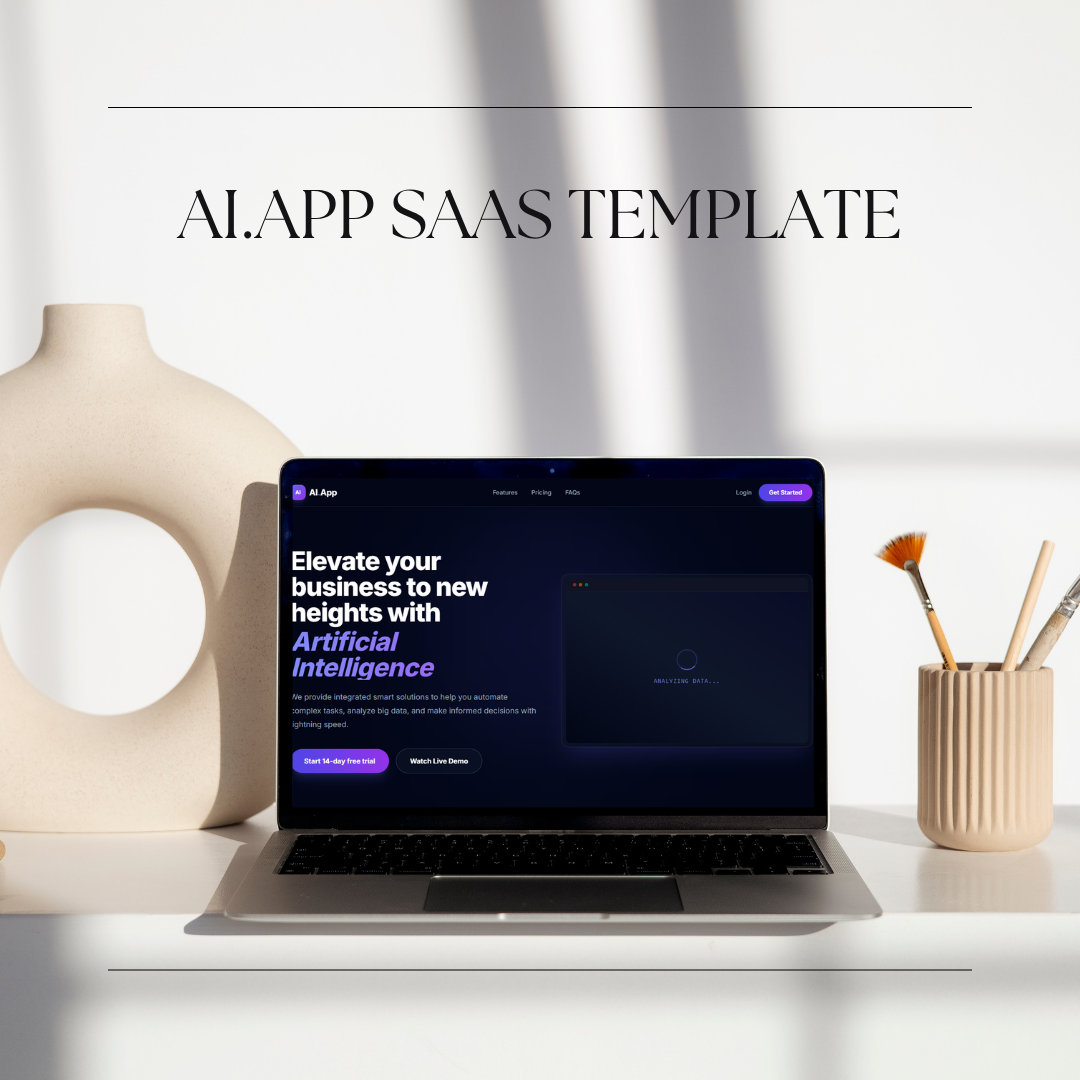
AI.App
alternativeAI.App by Steven Codes is a premium landing page template for AI startups and SaaS. It features clean, modern design, high conversion focus, and polished layout to showcase AI products effectively.

AI Image Generator
alternativeAI Image Generator by GenImage for creating and editing images from text, removing backgrounds, upscaling, and enhancing photos with over 100 AI effects.
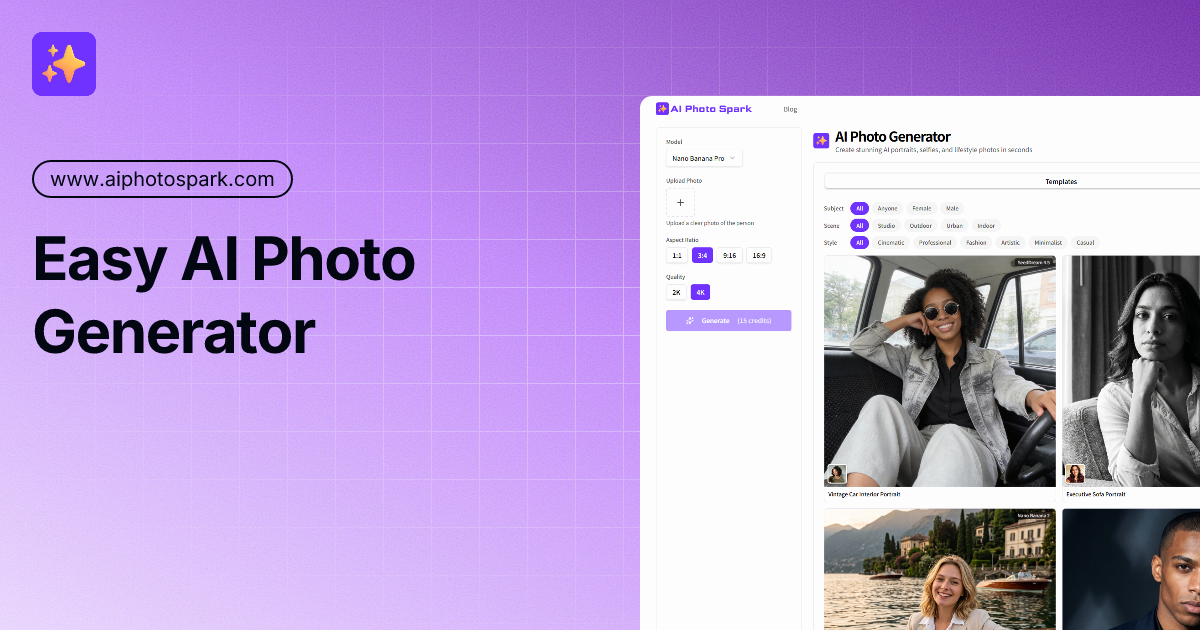
AI Photo Generator
alternativeAI Photo Generator by AI Photo Spark turns one selfie into professional AI portraits. Choose from various styles to get studio-quality results in seconds. Easy to use and free to start.
Related Toolkits
 Image / Product image generation
BluePick
BluePick by BluePick AI is an AI-powered product research and image studio tool, enabling users to analyze market trends and create professional product visuals efficiently.
View Details Image / Interior Design
RoomFlip
RoomFlip by RoomFlip.pro is a free AI room designer that transforms your space: upload a photo, choose a style, and receive a photorealistic redesign for living rooms, bedrooms, and kitchens in second
View Details Image / Image editing
MiaoCut
MiaoCut AI by MiaoCut is a free online tool for instant background removal from images, offering HD cutouts without watermarks or signup, with a focus on privacy-first processing.
View Details