Overview
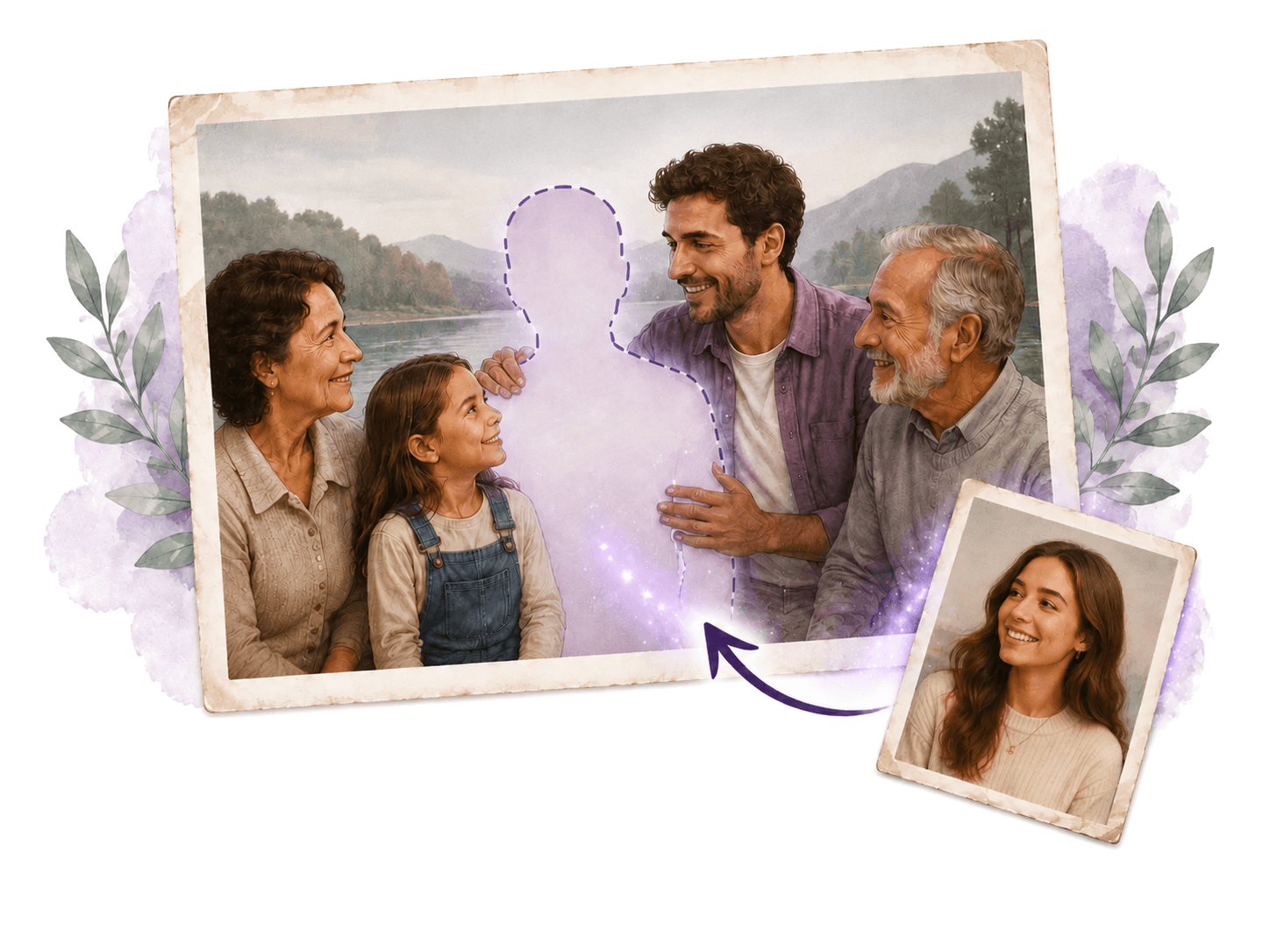
Add Person to Photo is an AI-powered tool that lets you upload a scene photo and a portrait of a person to naturally insert that person into the image. It handles lighting, perspective, scale, and shadow matching automatically, making the addition look realistic. Users commonly use it to reunite missing family members in group photos, add friends who missed a trip, or honor late loved ones by placing them into meaningful scenes.
Application scenarios
Family reunions
Insert a missing dad or sister into a family portrait taken during golden hour or a reunion.
Memorial keepsakes
Add a late grandmother or grandfather to a wedding or graduation photo they never attended.
Travel photography
Place a friend who missed the trip into a landscape shot, such as a Santorini cliff at sunset.
Group photos
Add a colleague who was on a call or a partner who got stuck in traffic to a team or event photo.
Pet inclusion
Bring a dog into a picture with realistic ground shadows and gaze direction for a complete family moment.
Creative fun
Insert a friend into a Renaissance painting or place yourself next to a favorite character for playful, weird results.
Core features
Automatic lighting and shadow matching
The AI matches lighting, scale, and shadow automatically when adding a person to a scene.
Specify placement
You can place the added person on the left, right, center, foreground, or background to match the photo's layout.
Natural interaction prompts
Request the added person to put their arm around someone, hold hands, lean in, or look at each other for a connected feel.
Style adaptation
The tool adapts the added person's appearance, color palette, and texture to match artistic styles like oil paintings, watercolors, vintage film, or manga.
Size and depth control
You can adjust the AI's placement if the person appears at the wrong size or depth in the scene.
Pet addition
Add pets with realistic ground shadows and gaze direction to include the whole family, including four-legged members.
Automatic lighting and shadow matching The AI matches lighting, scale, and shado
Automatic lighting and shadow matching The AI matches lighting, scale, and shadow automatically when adding a person to a scene.
Specify placement You can place the added person on the left, right, center, for
Specify placement You can place the added person on the left, right, center, foreground, or background to match the photo's layout.
Target users
This tool is designed for anyone who needs to realistically add a person to a photo without manual editing skills. It's ideal for families wanting to complete reunion photos, travelers fixing group shots, event organizers adding missing team members, and creative users who enjoy inserting people into paintings or illustrations for fun.
How to use
Visit the official website and upload a scene photo (e.g., a family portrait at golden hour). Then upload a portrait photo of the person you want to add. Optionally, specify placement (left, right, center, foreground, background) or request a natural interaction (e.g., "put arm around shoulder"). The AI composites the person into the scene with matched lighting and perspective. You can then download the result.
Effect review
Based on the website's examples, Add Person to Photo delivers realistic composites for common scenarios like reuniting missing family members or adding friends to travel shots. The ability to specify placement and request natural interactions gives users control beyond basic insertion. The style adaptation feature extends its usefulness to creative projects like painting or manga inserts. While no user reviews or quality metrics are provided on the site, the feature set suggests it handles lighting, shadow, and scale well enough for casual and emotional use cases. For anyone without Photoshop skills, this tool offers a practical, one-click solution for completing group photos.
Frequently asked questions
What is Add Person to Photo?
Add Person to Photo is an AI tool that lets you upload a scene and a portrait to naturally insert a missing person with accurate lighting and perspective, perfect for reunions, travel shots, and memories.
How does Add Person to Photo work?
You upload a scene photo and a portrait of the person to add. The AI analyzes the scene's lighting, perspective, and background, then seamlessly blends the person into the photo.
Is Add Person to Photo free to use?
The tool may offer a free trial or limited free uses, but full access might require a subscription or payment. Check the website for specific pricing details.
What types of photos work best with this tool?
Scenes with clear backgrounds and consistent lighting work best. Portraits should have good lighting and a similar angle to the scene for natural integration.
Can I use Add Person to Photo for commercial purposes?
Usage rights depend on the tool's terms of service. Check the license agreement to see if commercial use is allowed.
Is my privacy protected when using Add Person to Photo?
The tool typically processes photos securely and may not store them permanently. Review the privacy policy for details on data handling.
Launch URL
https://add-person-to-photo.com/Tags
Featured recommendations

Photo Editor AI
alternativePhoto Editor AI by photo-editor-ai.io offers AI-powered editing for stunning portraits, Studio Ghibli art, instant retouching, old photo restoration, and 4K upscaling.

Couple AI
alternativeCouple AI by Couple AI transforms couple memories into stunning professional photos using AI, generating beautiful images in seconds.
AI Photo Generator
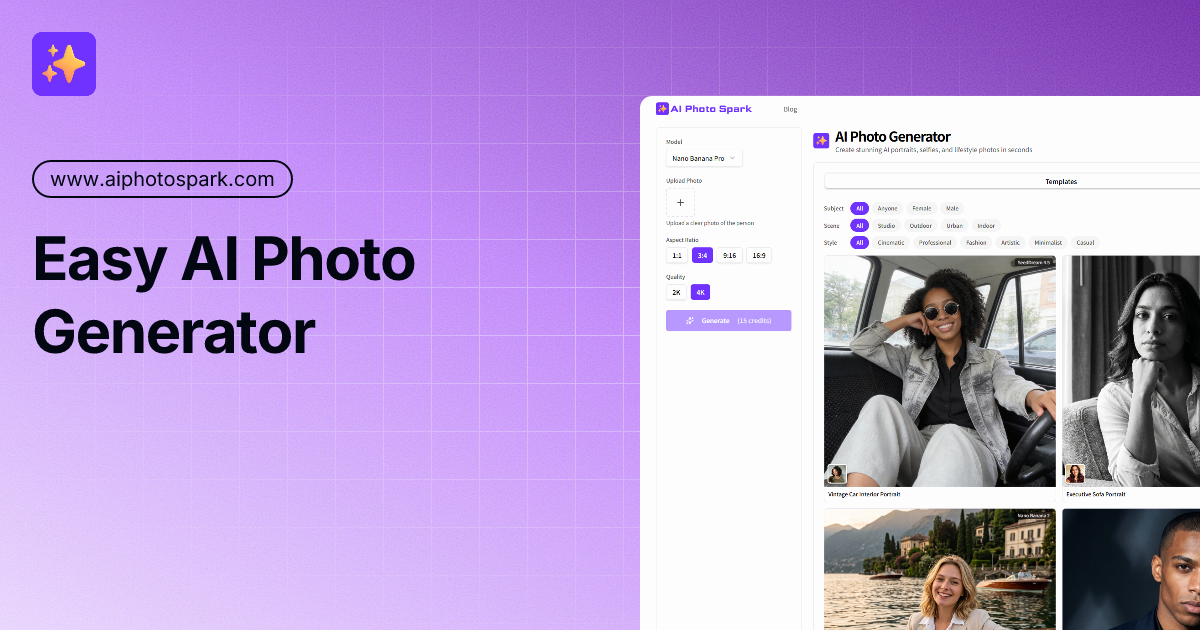
alternativeAI Photo Generator by AI Photo Spark turns one selfie into professional AI portraits. Choose from various styles to get studio-quality results in seconds. Easy to use and free to start.

AI Photo Editor
alternativeAI Photo Editor by aiphotoeditor.io is a free online tool for fast image editing. Remove, replace, enhance, and restyle photos in seconds using simple AI features.

AI Image Editor
alternativeAI Image Editor by ImageFK for editing photos with text prompts. Upload an image, describe your changes, and transform pictures instantly using AI.

Photo to Video AI
alternativePhoto to Video AI by phototovideoai.pro is a free online generator that transforms your images into videos. Upload a photo, add a text prompt, and create commercial-ready videos in minutes, starting w

Facing AI
alternativeFacing AI is a free tool for instantly swapping faces in photos and videos, offering realistic results with no sign-up or watermarks.

AI Facefy
alternativeAI Facefy is a free, secure AI tool for generating and remaking facial images and videos. It uses cutting-edge AI technology to effortlessly transform photos into new photos or videos.
Related Toolkits
 Image / Image editing
MiaoCut
MiaoCut AI by MiaoCut is a free online tool for instant background removal from images, offering HD cutouts without watermarks or signup, with a focus on privacy-first processing.
View Details Image / Image editing
BigJPG
A free online AI tool for lossless image enlargement, enhancing resolution without quality degradation.
View Details Image / Image editing
Bimg AI
Bimg AI is a platform by Nano Banana offering AI-powered image editing, upscaling, restoration, background removal, and AI video generation for Pro and 2 users.
View Details